
The control panel for Proxmox.
Manage your Proxmox infrastructure and give customers control of their virtual servers.
$6 per node/month for commercial use. Free for personal and nonprofit use.
- Proxmox VE
- Linux and Windows guests
- Deploys with Docker
- Source on GitHub
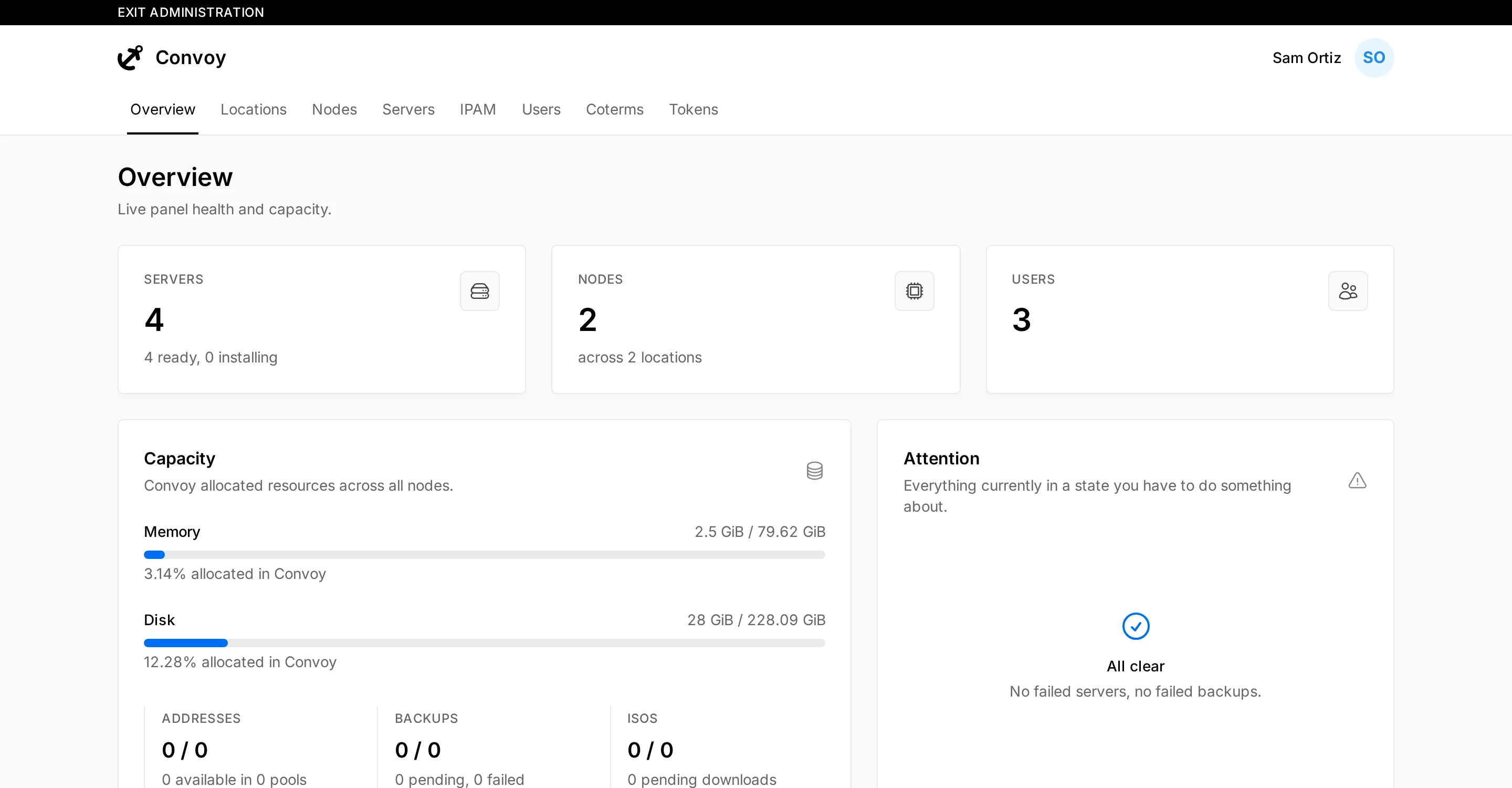
Infrastructure overview
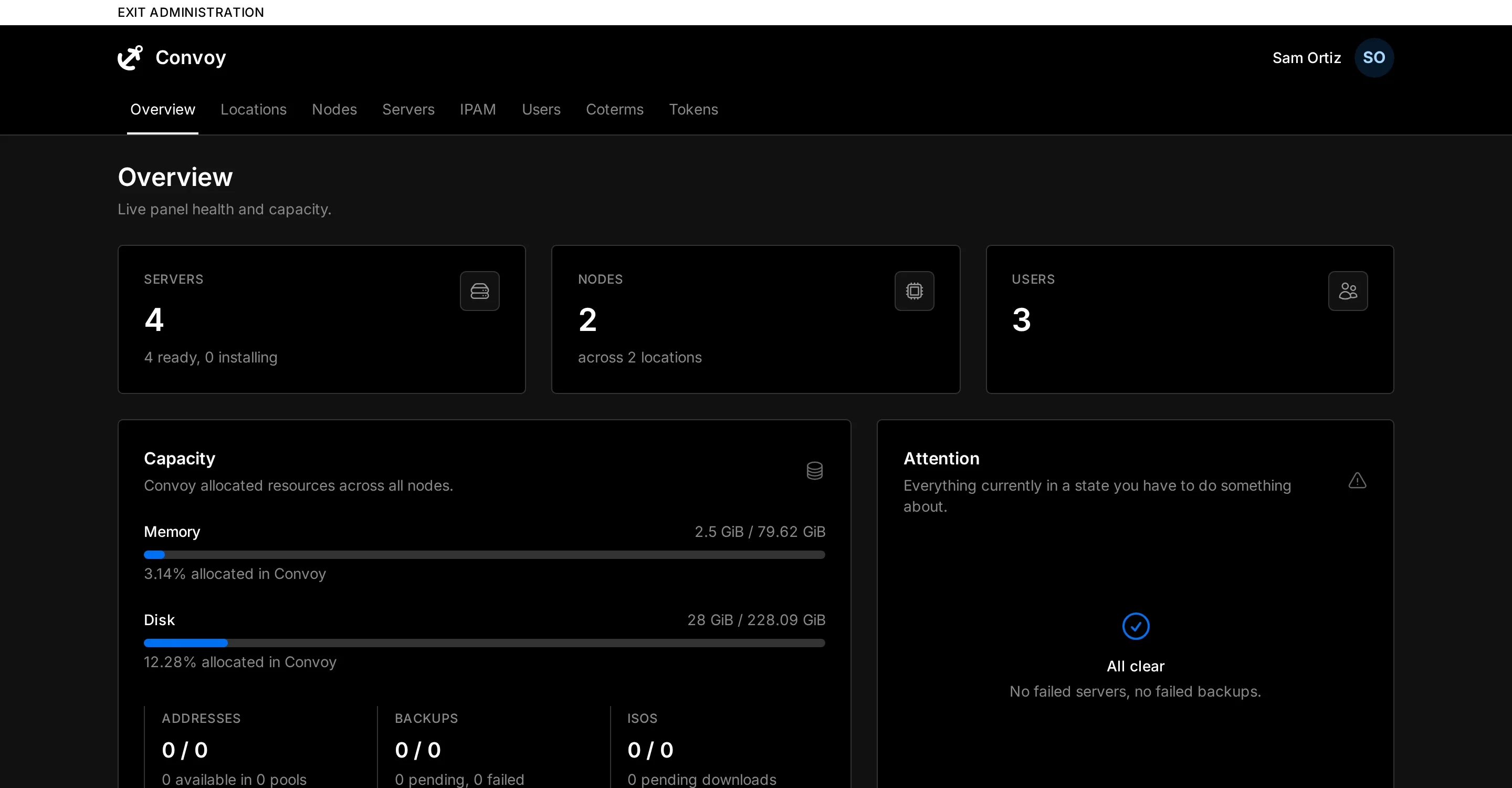
Monitor servers, nodes, users, and resource allocation across your infrastructure.
Customer control panel
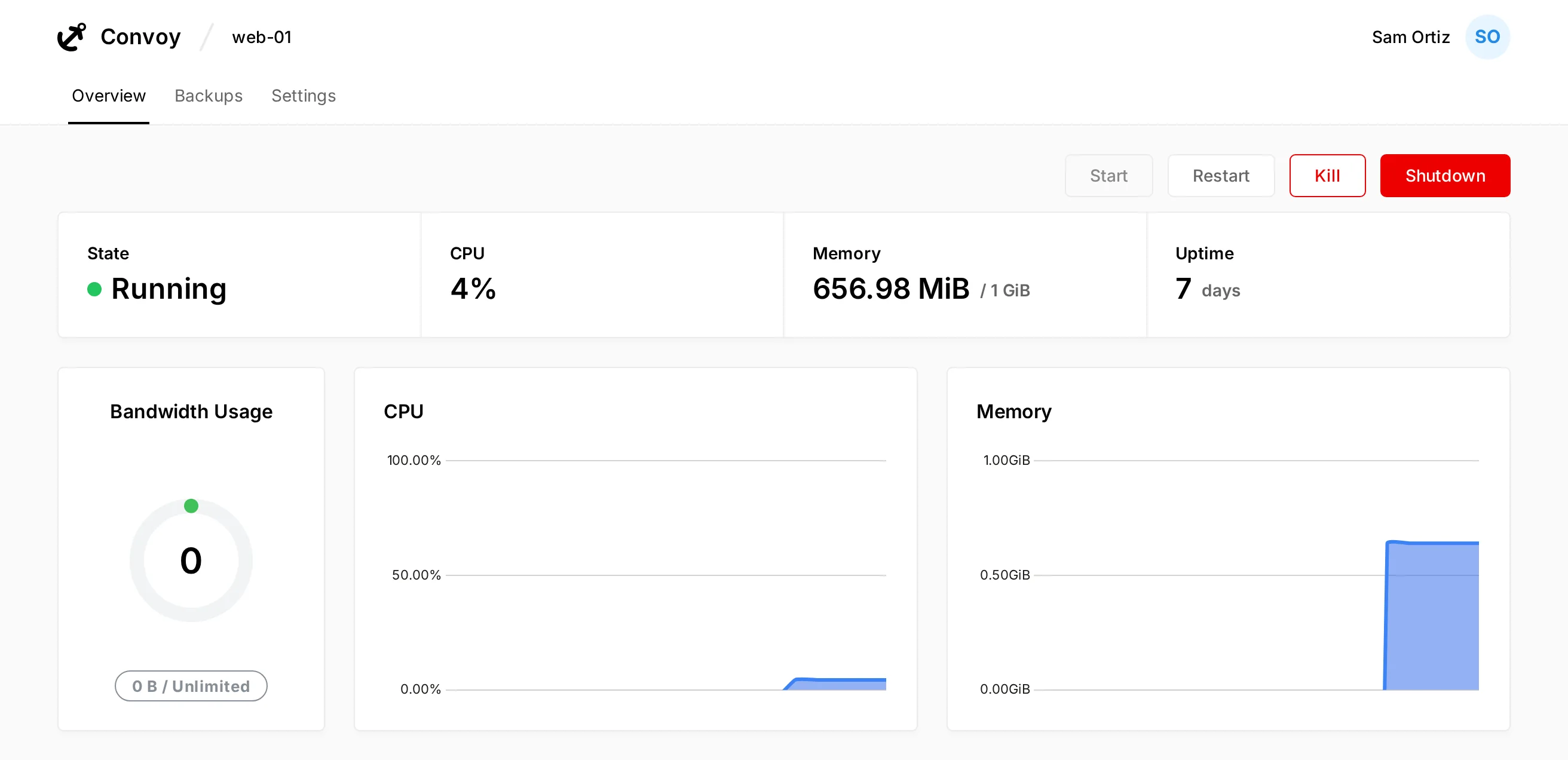
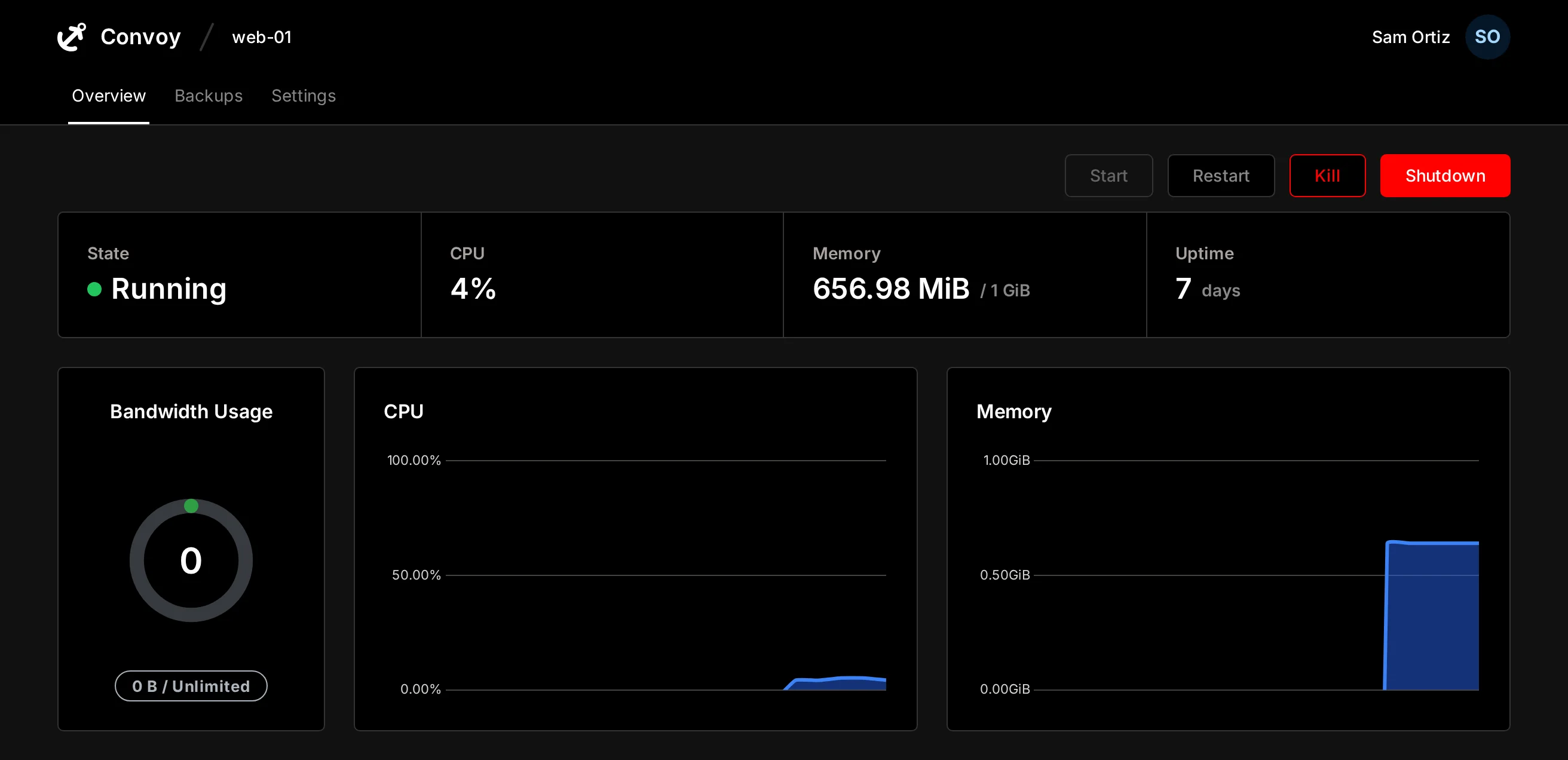
Give customers a dedicated panel to monitor and manage their servers.
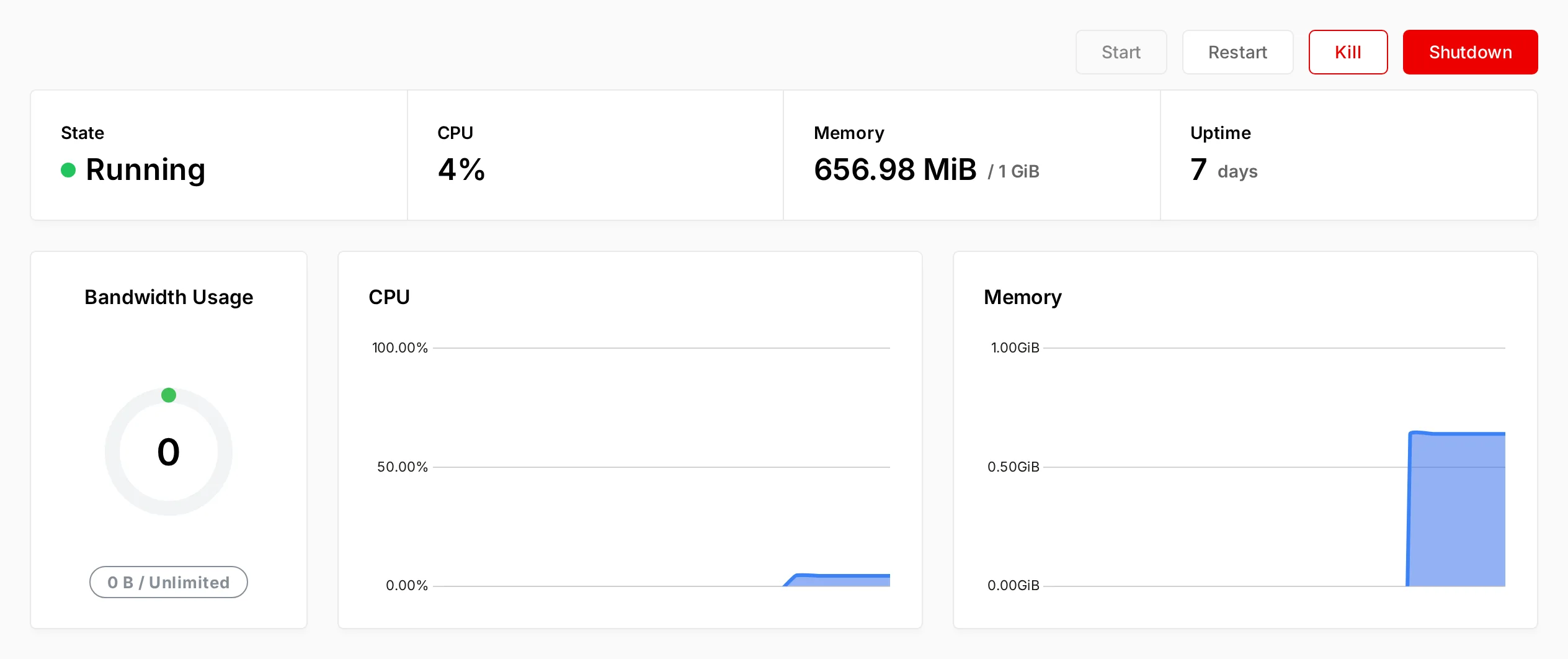
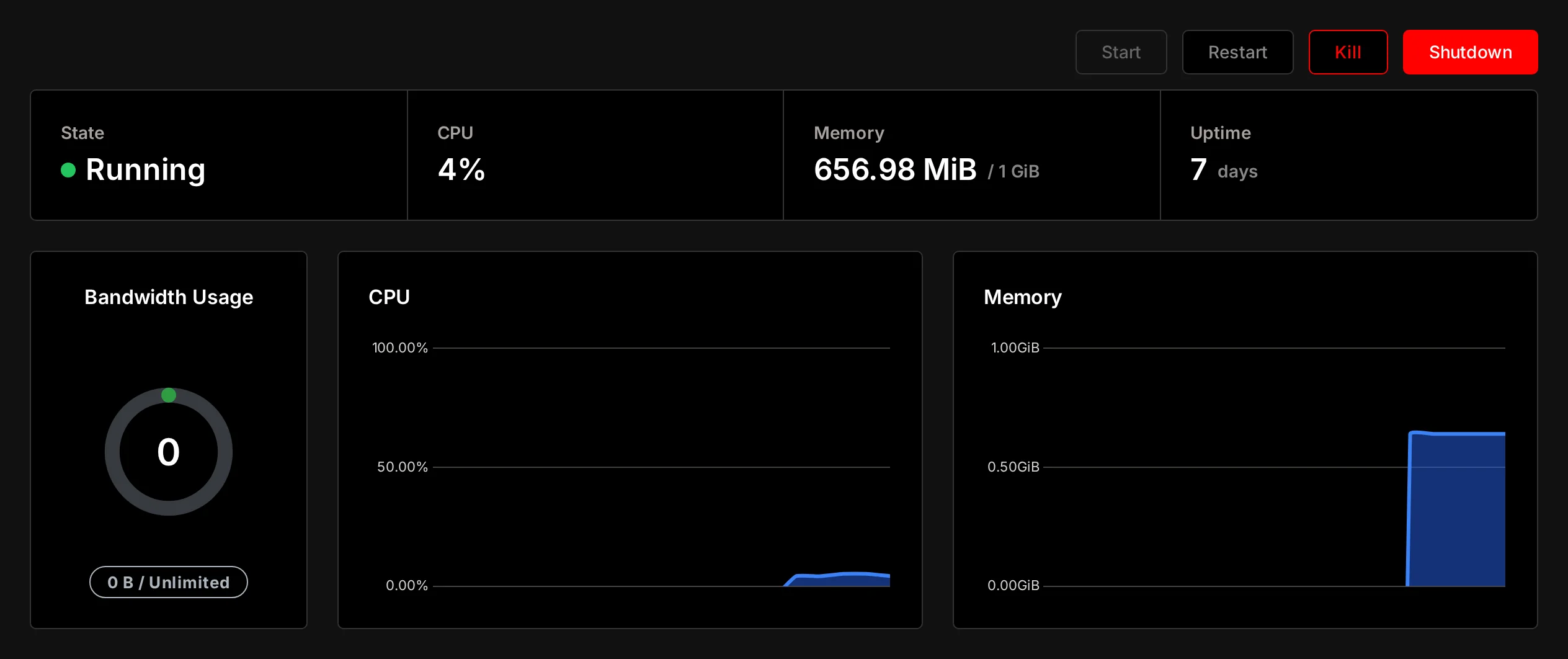
Live stats
Monitor server status, CPU, memory, uptime, and bandwidth directly from Proxmox.
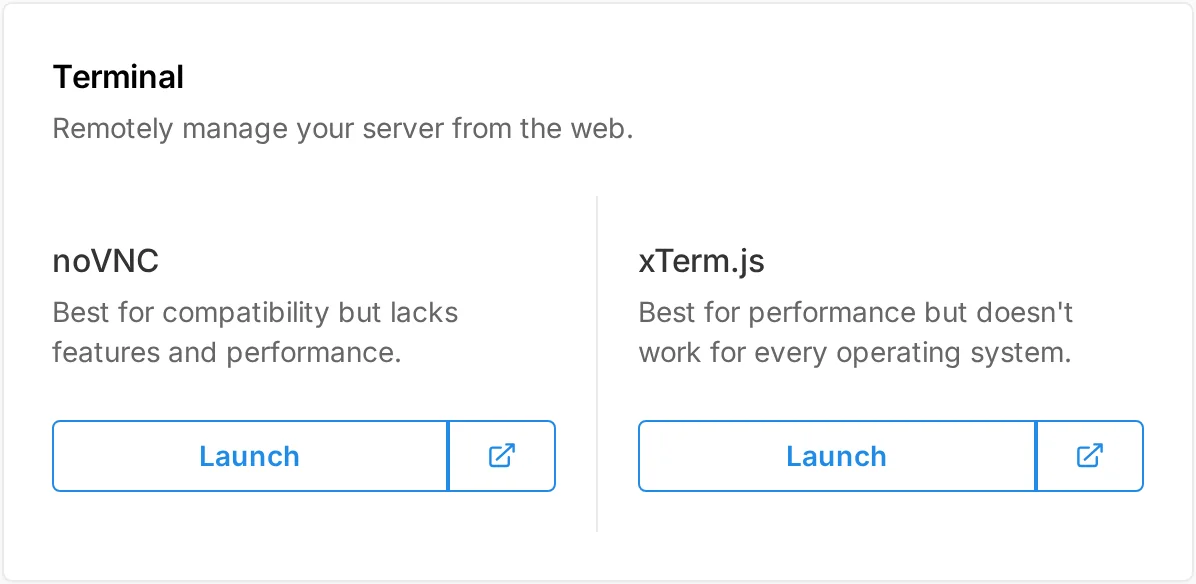
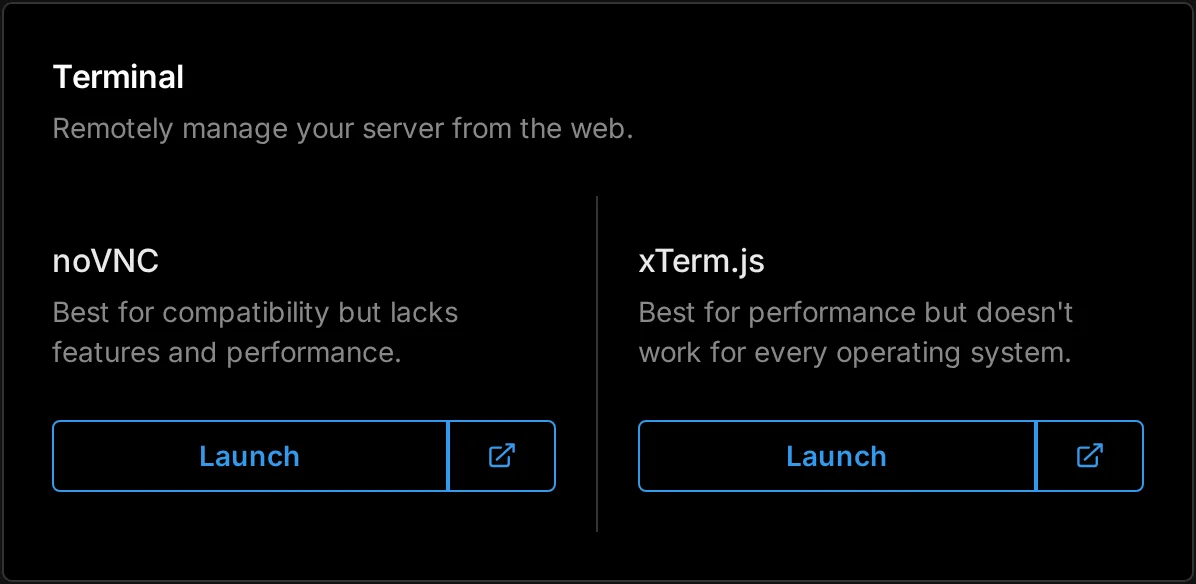
Browser console
Access servers through noVNC and xterm.js consoles, powered by Coterm.
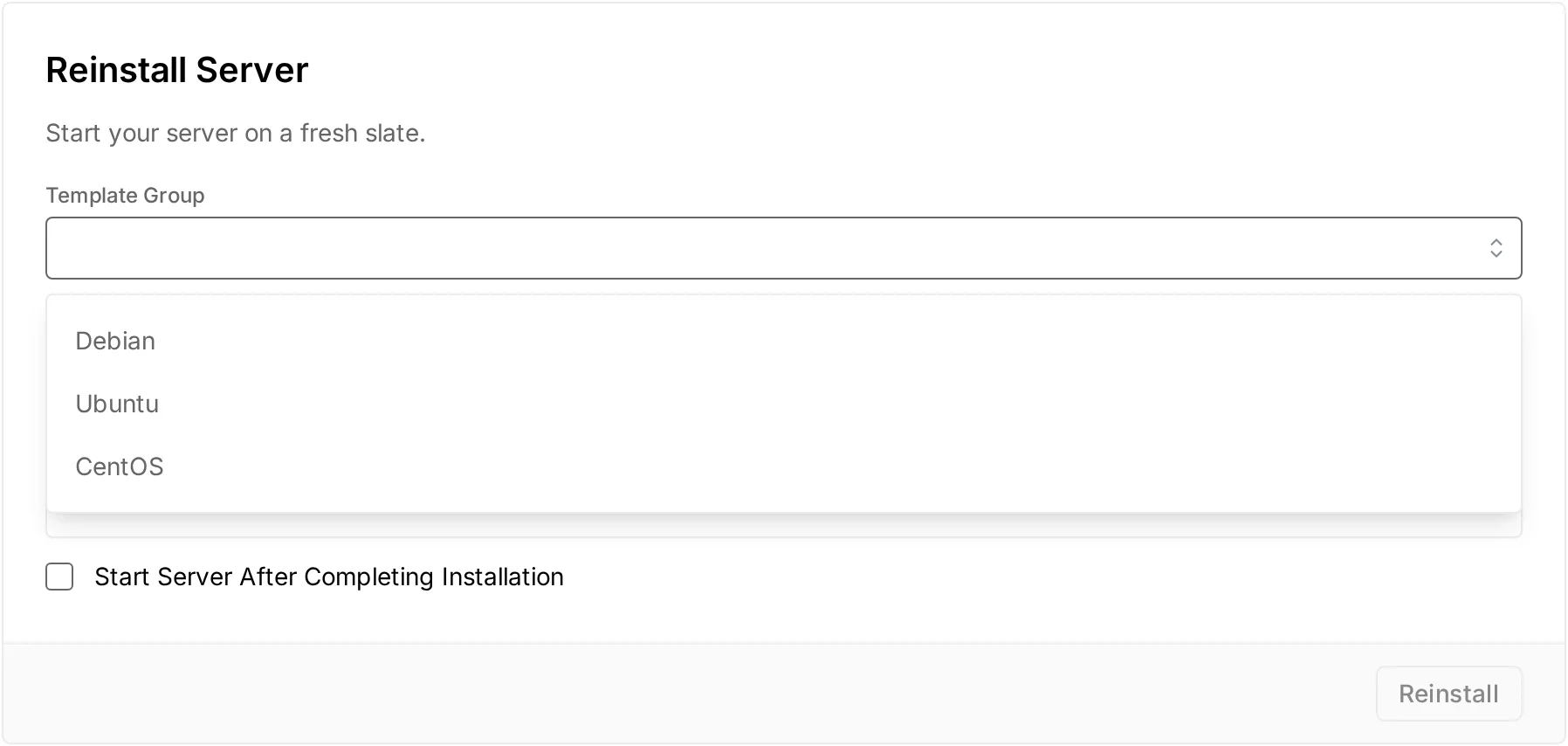
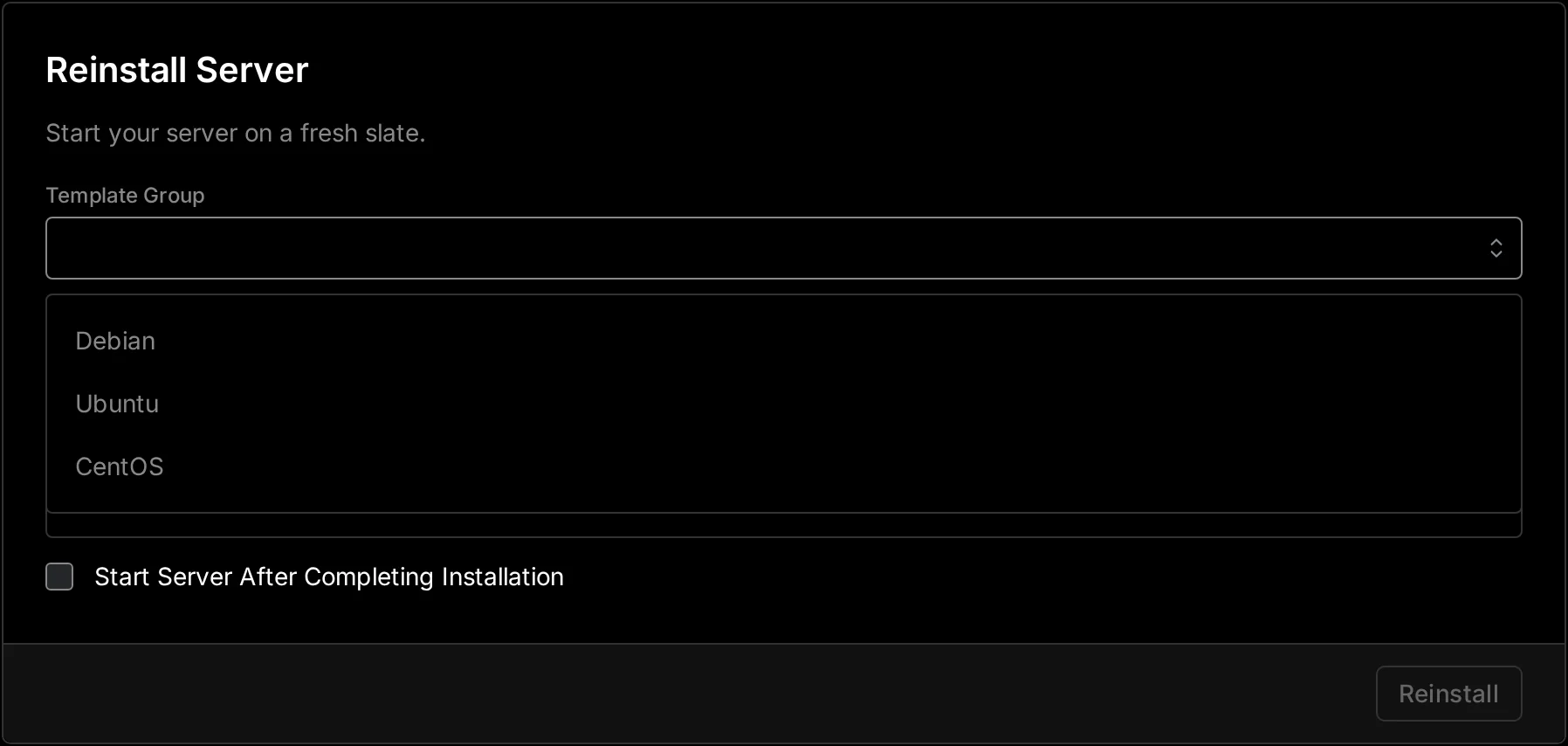
Server reinstalls
Reinstall servers using any template group.
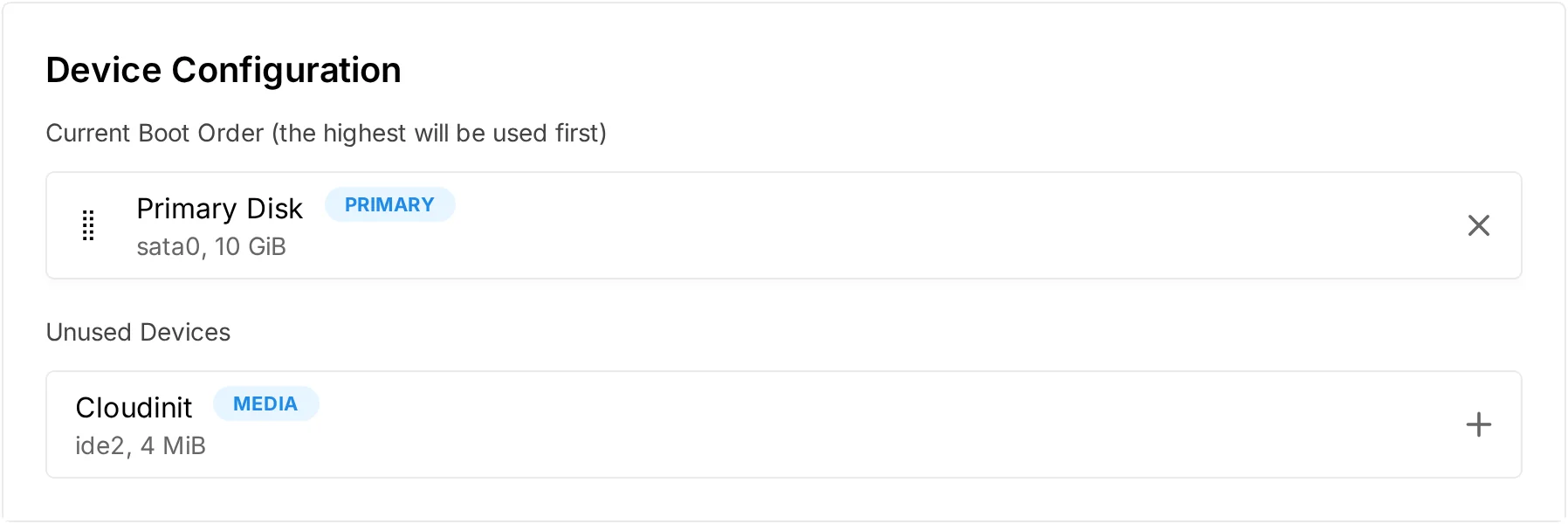
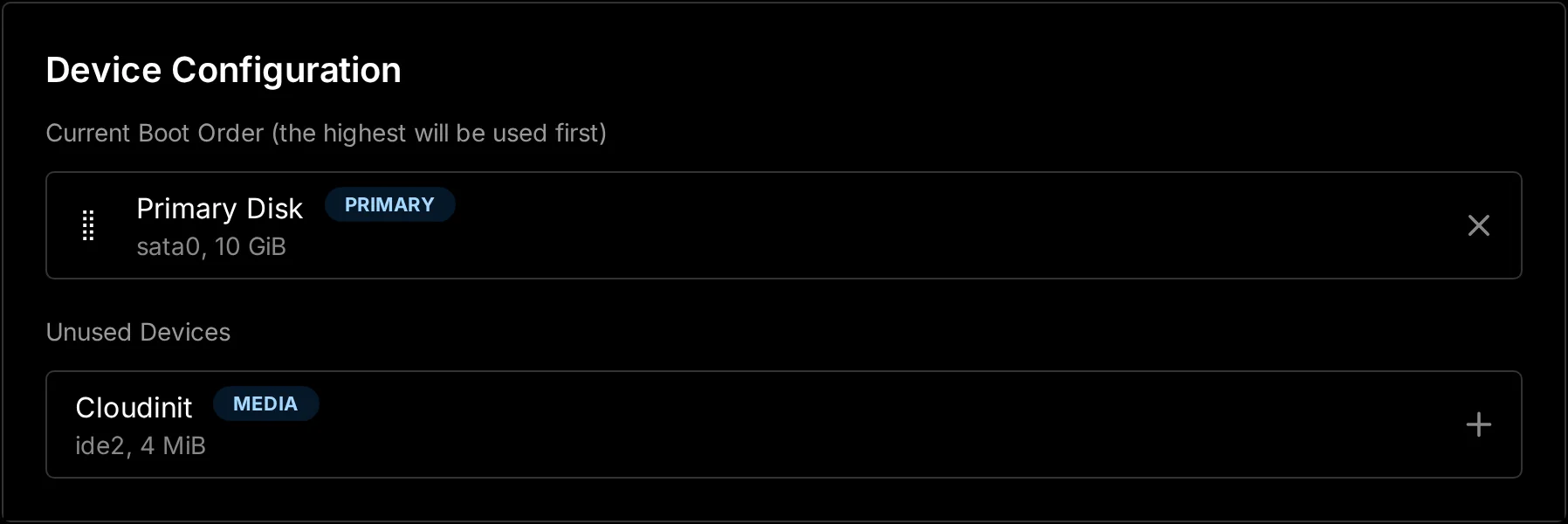
Boot order and ISOs
Set the boot order and mount ISO images.
Infrastructure management
Manage locations, nodes, servers, and users from one dashboard.
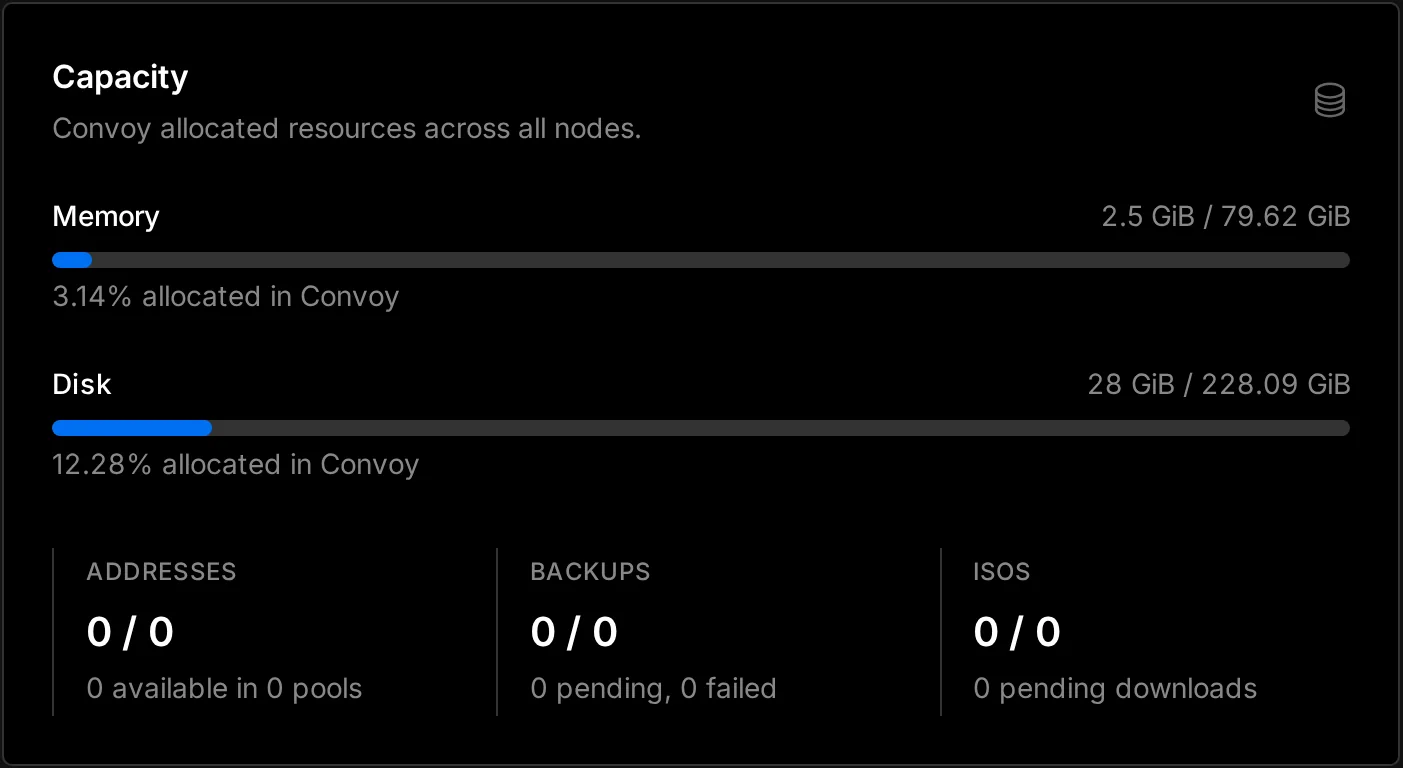
Resource allocation
View memory and disk allocation across all nodes.
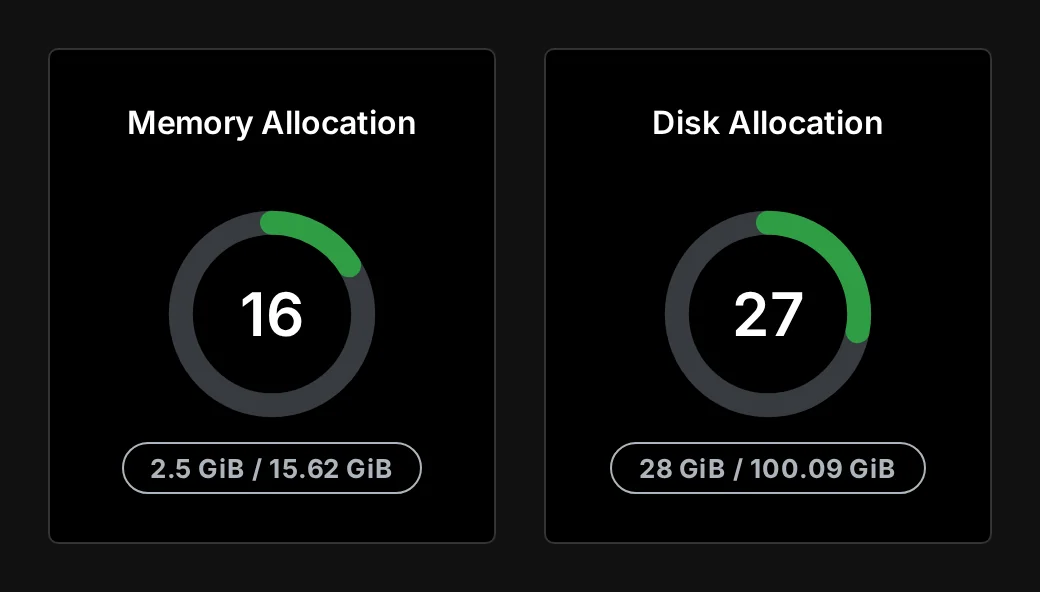
Node allocation
Inspect memory and disk allocation for individual nodes.

Servers
Create, edit, and suspend customer servers.

Users
Manage customer and administrator accounts.

Locations
Organize nodes by region.
Billing and automation
Connect Blesta or Paymenter, or build a custom integration with the application API.
- Blesta moduleAutomate server provisioning through Blesta.
- Paymenter extensionSell servers through Paymenter’s open-source storefront.
- Application APIManage servers, nodes, users, addresses, and templates through the API.
- Single sign-onLet customers access their server panel directly from your billing platform.
curl "https://panel.example.com/api/application/servers" \
  -H "Authorization: Bearer <token>" \
  -H "Accept: application/json"
{
  "data": [{
    "uuid": "d08061a0-…",
    "hostname": "db.northwind.host",
    "status": null,
    "limits": { "cpu": 2, "memory": 4294967296 }
  }]
}
Installation
Run Convoy with Docker on Debian 11+, or Ubuntu 20.04+. Connect a Proxmox node using an API token.
$ curl -fsSL https://get.docker.com/ | sh$ mkdir -p /var/www/convoy && cd /var/www/convoy$ curl -Lo panel.tar.gz https://github.com/convoypanel/panel/releases/latest/download/panel.tar.gz$ tar -xzvf panel.tar.gz && cp .env.example .env$ docker compose up -d$ docker compose exec workspace php artisan migrate --force
Pricing
$6 per node/month for commercial use. Free for personal and nonprofit use.
Personal
Free
For non-production use with no monetary gain.
- All panel features
- Community support through Discord and GitHub
No license key required.
Enterprise
$6
per node/month
For production environments and commercial hosting.
- Everything in Personal
- Server templates for Windows, Ubuntu, Debian, and more
- Advance notice of breaking changes and migration guidance
- Prorated billing per node. Cancel anytime.
Nonprofit
Free
Enterprise features with unlimited nodes.
- Everything in Enterprise
- Unlimited nodes
Available to registered 501(c)(3) organizations and equivalent organizations outside the United States. Proof of registration required.
Email [email protected]Verify a panel license at convoypanel.com/lookup.
Convoy,since 2022.
1,875 commits